 Blaez
BlaezNovelists & series writers
Long-form prose with chapters, scenes, character arcs, and a story bible that stays attached to the manuscript.
From first spark to final draft.
Draft, plot, and worldbuild in a single Application. Available on iPhone, iPad, and Mac.
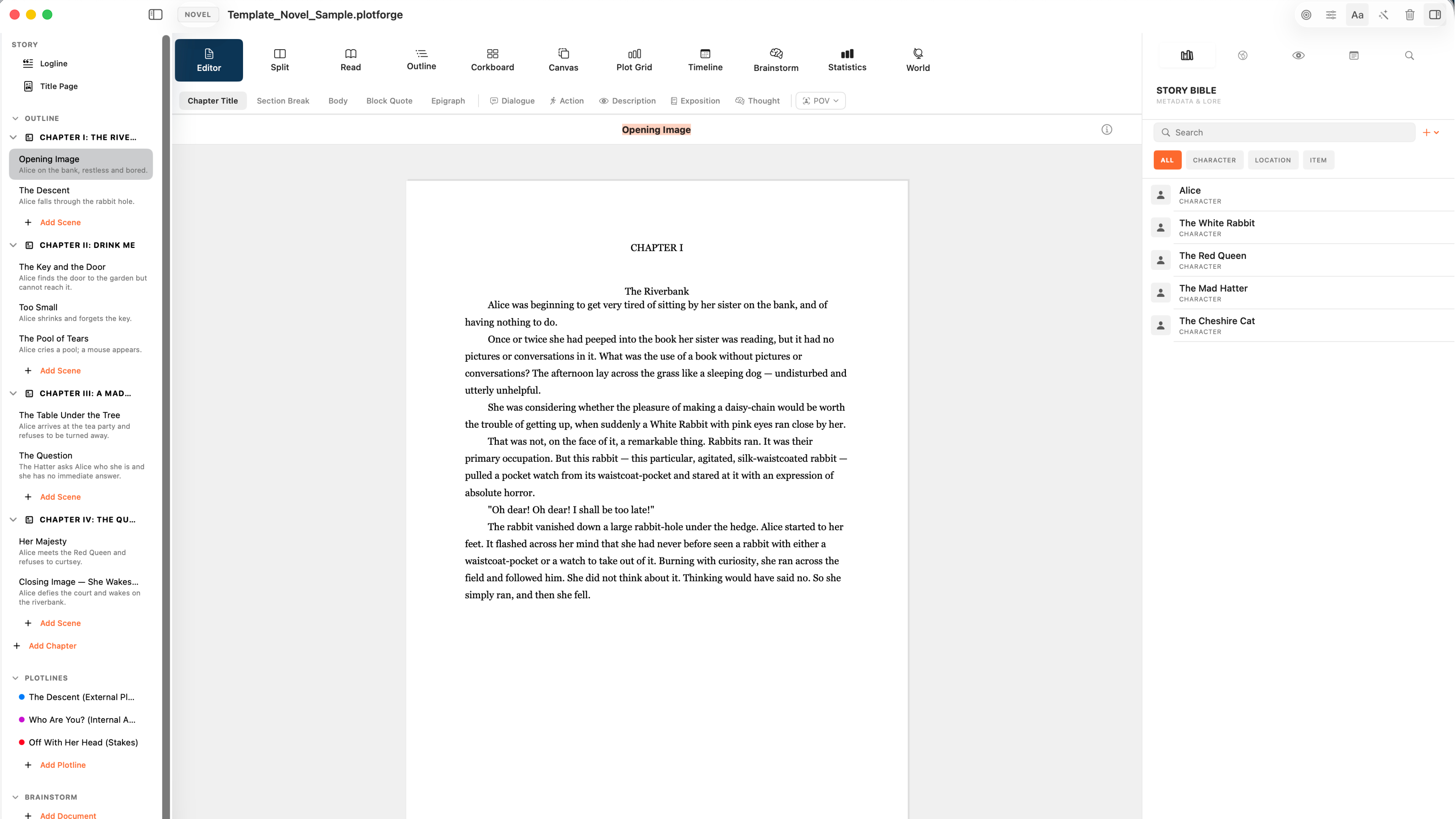
If your draft, outline, and lore currently live in four different apps, BlaezForge was made for you.
Long-form prose with chapters, scenes, character arcs, and a story bible that stays attached to the manuscript.
Industry-style screenplay formatting for features, pilots, and shorts — with plot tools and Final Draft import/export.
Panel scripting, page layouts, illustration notes, and graphic-novel workflows in the same studio as your prose.
Short, phone-oriented stories with a focused canvas — write on iPhone, refine on iPad or Mac.
Systems, factions, lore, regions, and glossary entries that live beside the draft, not stranded in a separate wiki.
One project file synced with iCloud across iPhone, iPad, and Mac — so your story follows you.
Pick Screenplay, Novel, Comics, Graphic Novel, Illustrated Novel, or Microfiction. Change format later — your words stay put; the page rules adapt.
Write in a native editor built for long-form work. Organize Manuscript → Chapters → Scenes, track status from To Do to Final, and keep print-true white pages while the studio chrome follows your theme.
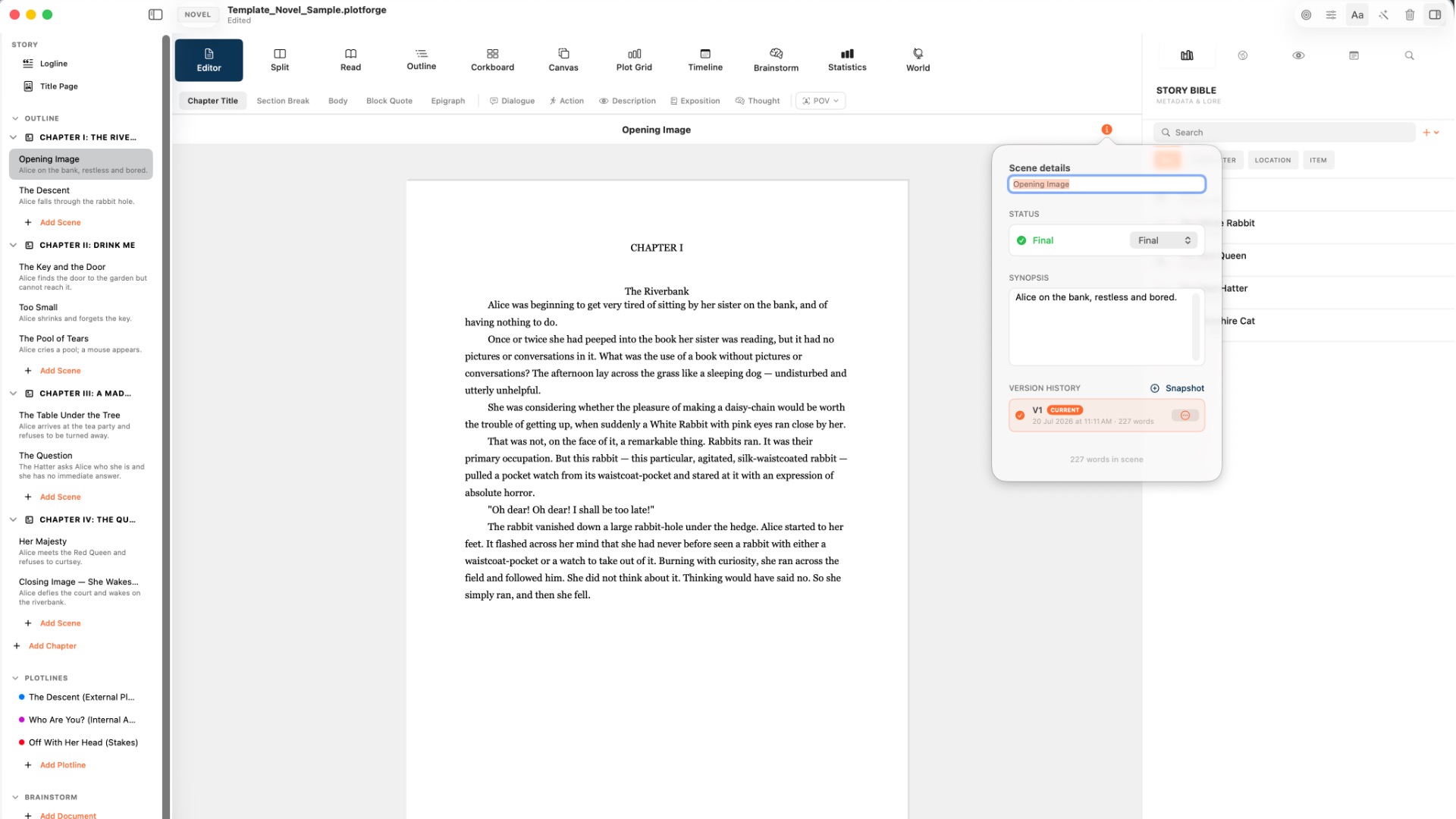
Characters, locations, items, systems, factions, lore, regions, and glossary entries live in the same project as your manuscript — with images, traits, and appearances you can jump to instantly.
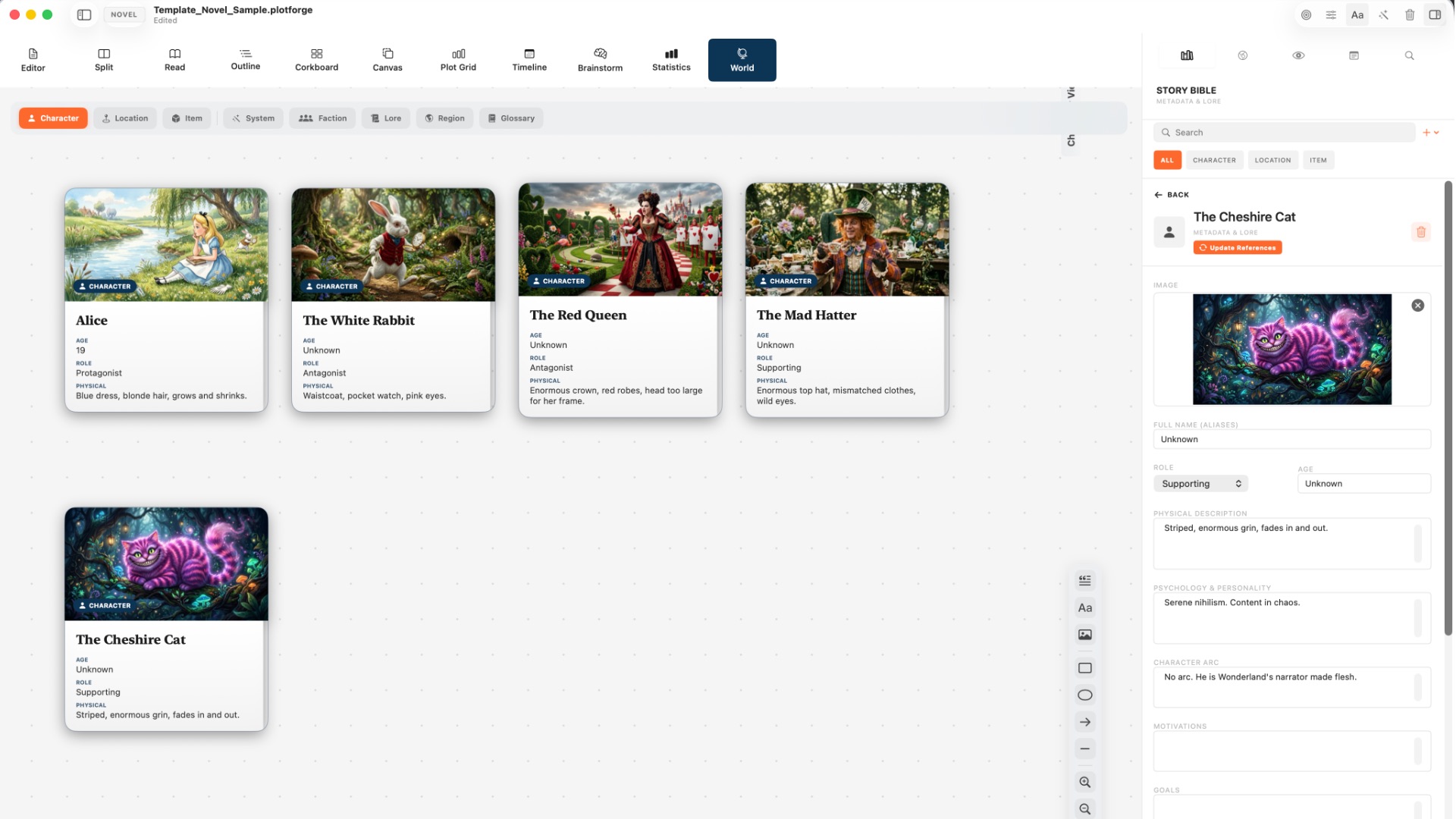
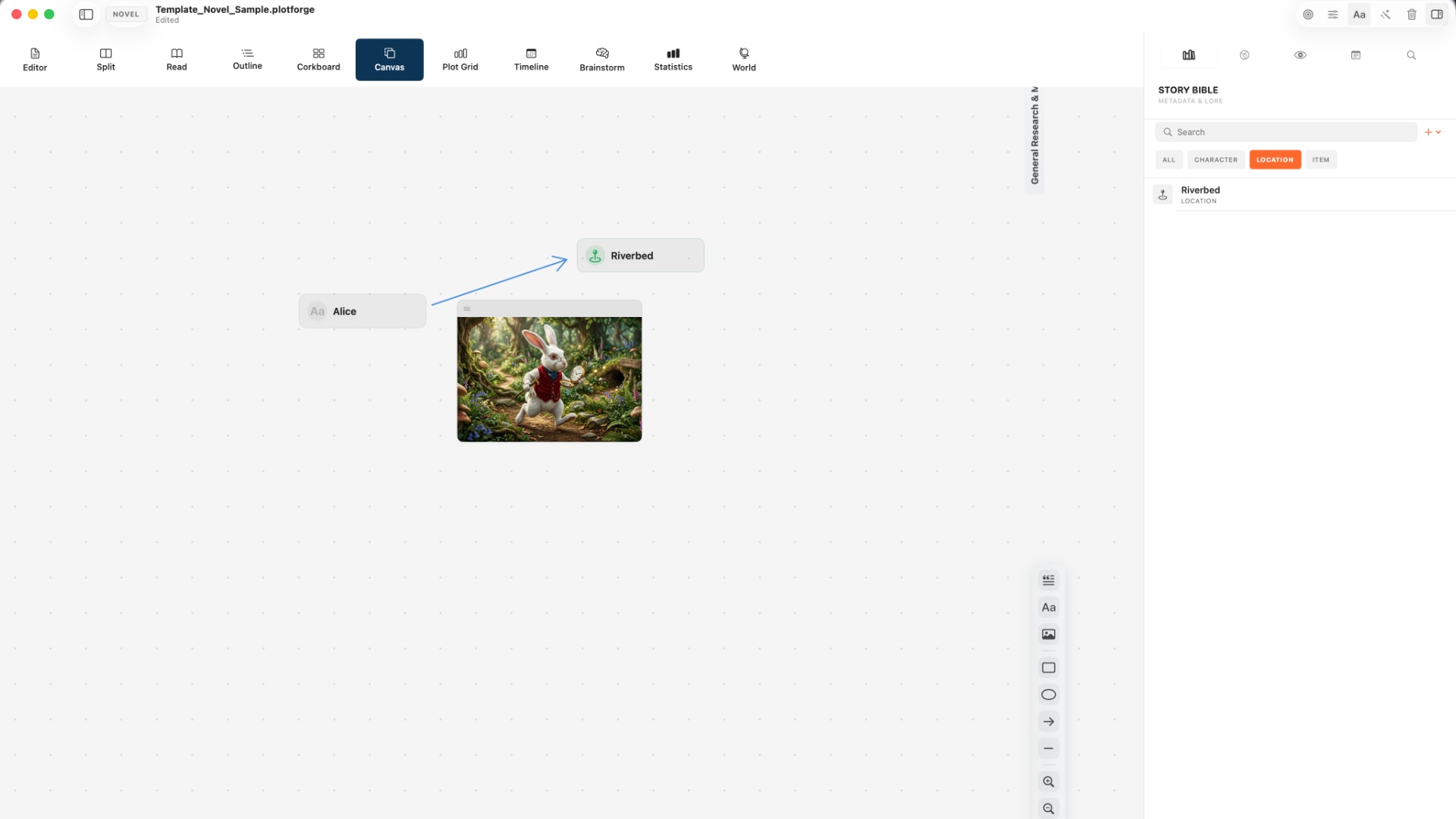
Pin mood boards, research images, and story nodes on an infinite canvas. Pair it with Outline, Corkboard, Plot Grid, and Timeline when you need structure — all without leaving the project.
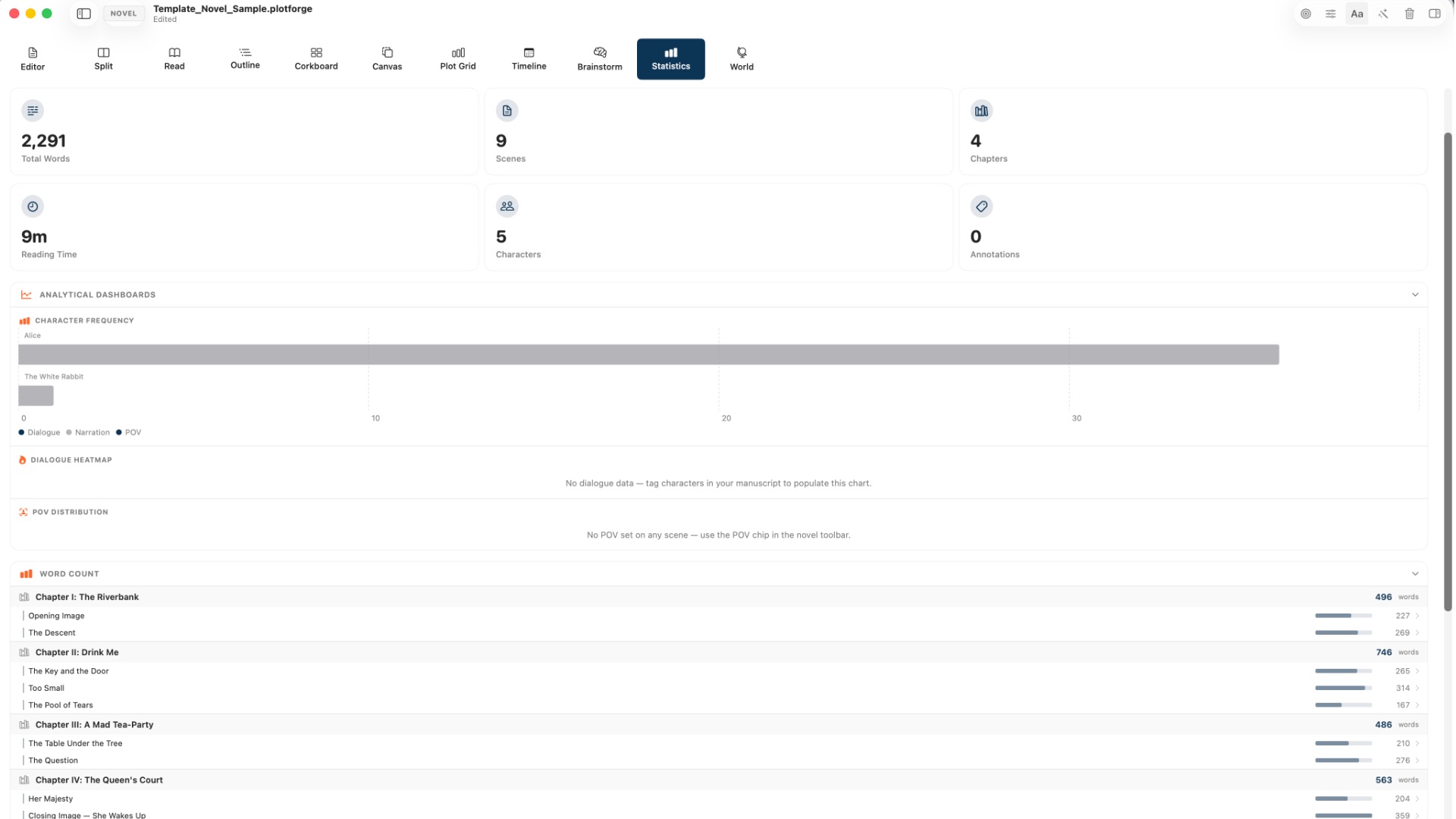
Track words, scenes, POV mix, annotations, and character presence. Revise with data instead of guesswork — then export PDF, EPUB, Final Draft, Word, or Markdown when you are ready to share.
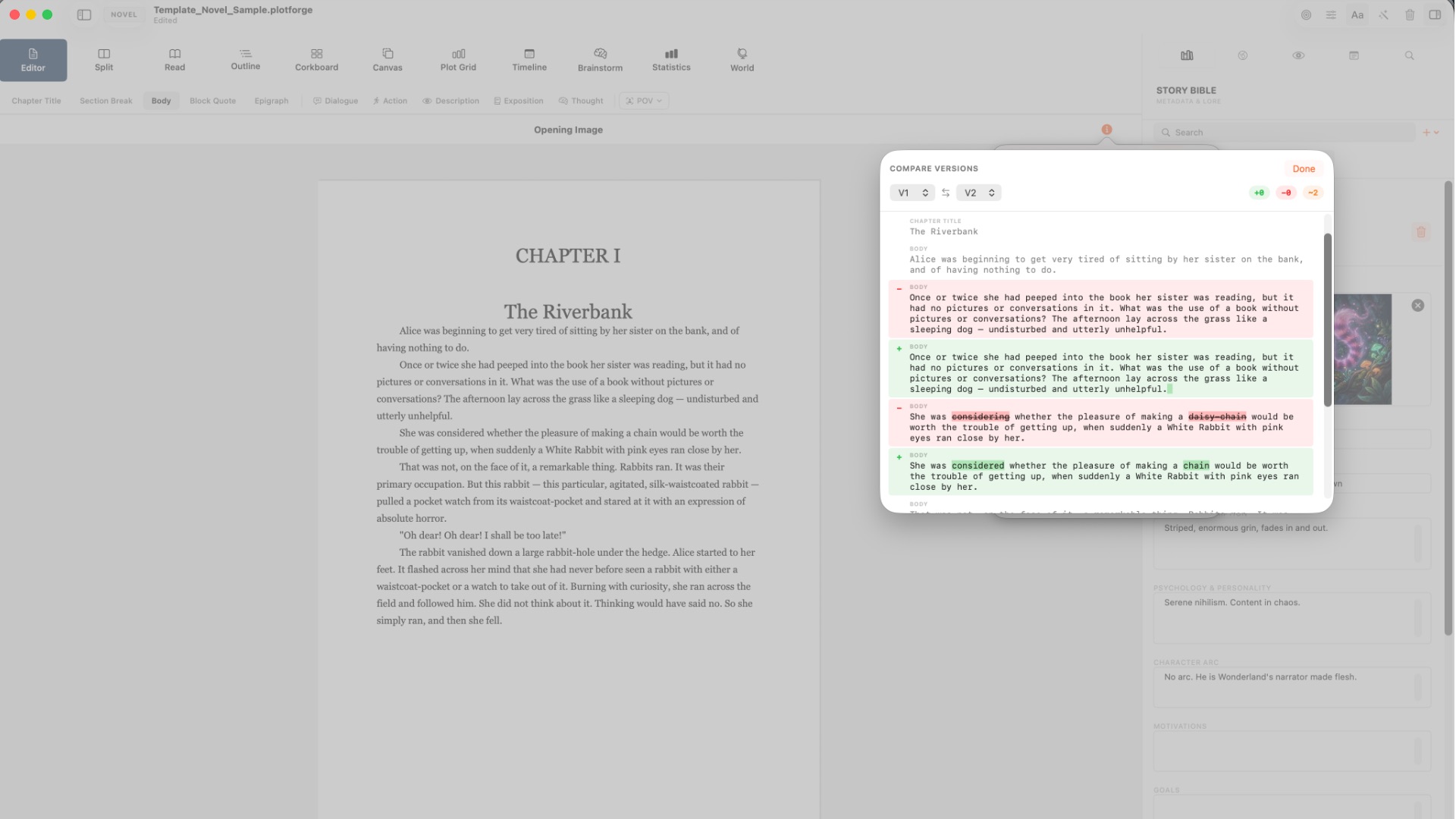
Snapshot scene versions, activate an older take, and compare drafts with an IDE-style word-level diff. File backups protect the project; scene versions protect the rewrite.
Writers usually fragment work across a formatter, an organizer, a wiki, and a draft dump. BlaezForge collapses those into one Pro native Apple document that syncs with iCloud.
Local-first with optional iCloud sync. Manuscript pages stay print-true; studio chrome adapts to System, Light, or Dark. Automatic backups and restore keep your work recoverable.
BlaezForge has no free plan. After you download, choose Pro Monthly or a one-time Pro unlock to write.
Pro unlocks every format, structure workspace, story bible, world tools, canvas, analytics, and export option.
Full studio access with a 7-day free trial on the subscription — cancel anytime in App Store settings.
7-Day Free TrialPay once for lasting Pro access — one long-term studio for novels, scripts, comics, and worldbuilding.